I’ve Kaspersky Small Business in my small office, with configuration password protected. When you try to change any parameter on the client it shows a windows asking for credentials.
If I try to do that from outside using Connect, the window asking credentials won’t appears and the connection frezees.
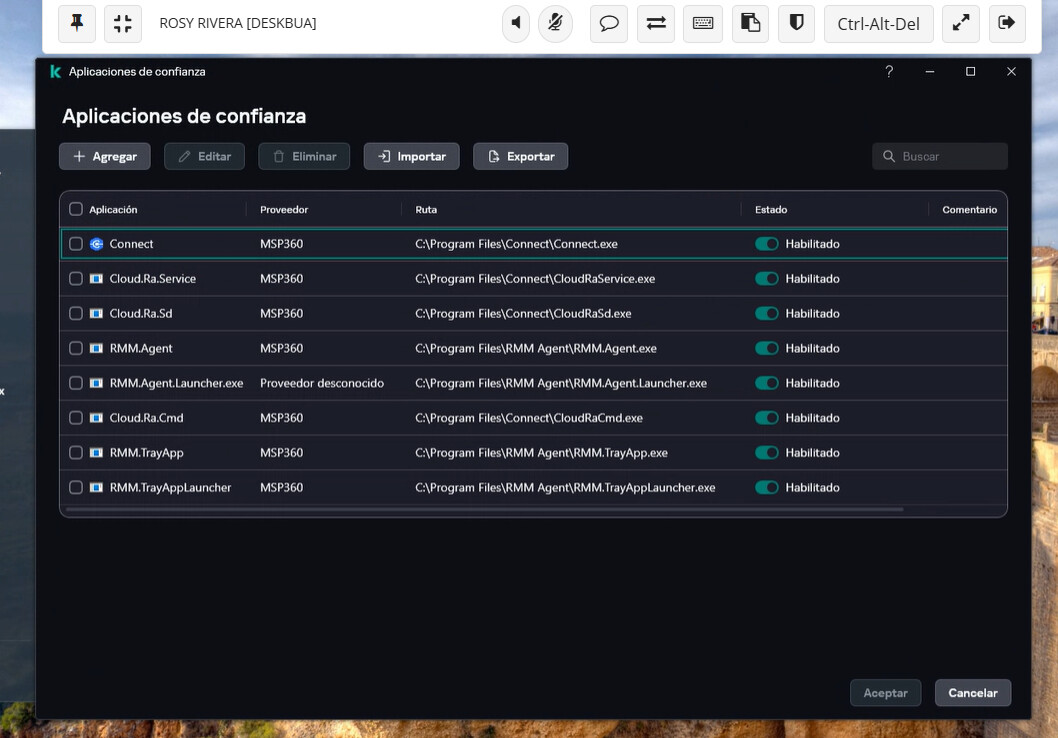
I used to use Zoho Assist, and to achive that, I just added Assist exe files to Trusted apps list. I did the same with connect (image below), but it just doesn’t work.
Is there a way to do this?