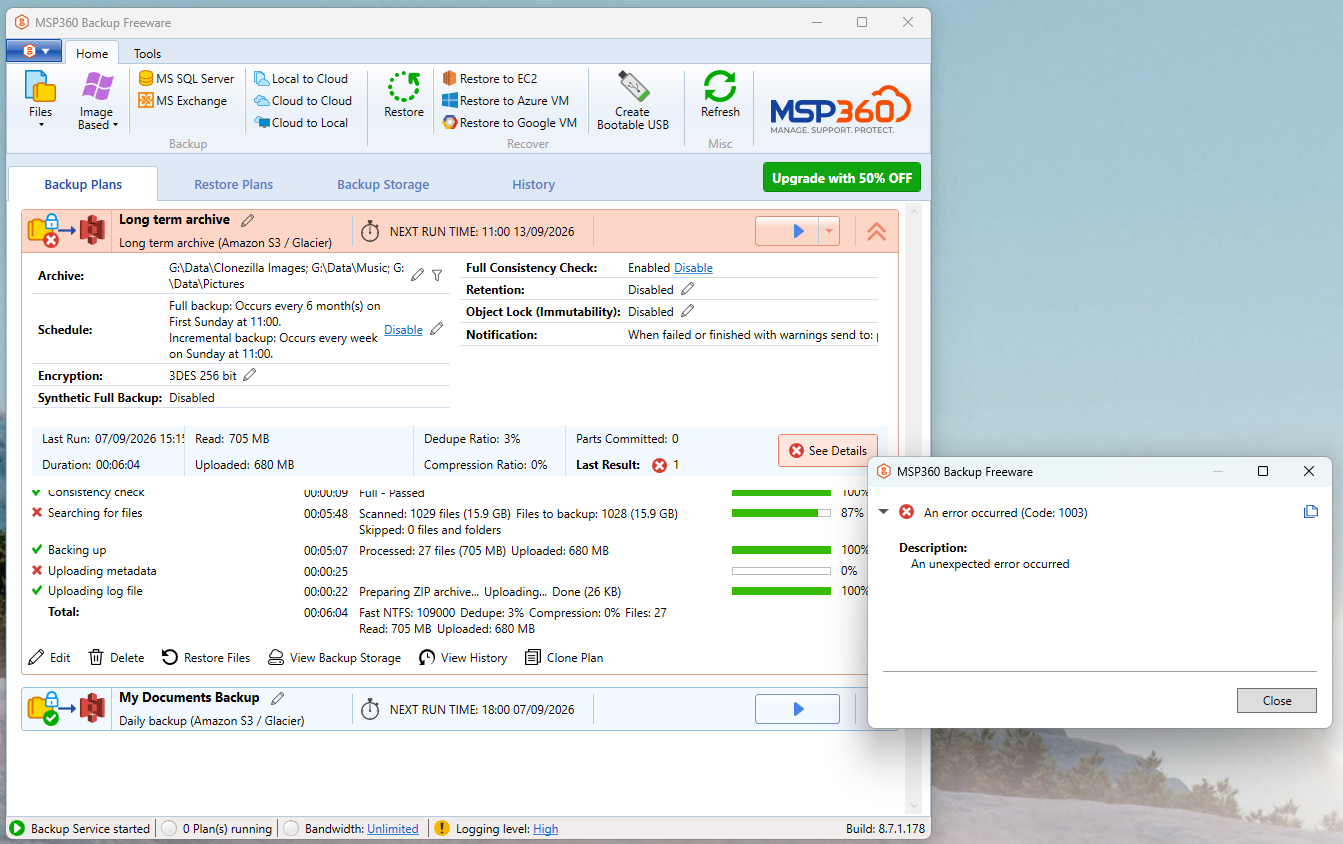
I’ve used MSP360 Backup Free for a few years with a daily backup plan (My Docs etc) and a weekly long term backup (music, photos and a few other static items), both to Amazon S3/Glacier, same bucket but different prefixes. For a little while the long term backup has been failing with error code 1003, possibly since migrating to a newer laptop and from Win10 to Win11.
Analysing the diagnostic log, ChatGPT thought it was a DNS failure, but that doesn’t make sense since the daily backup works. So I tried Claude.
Claude decided it was probably due to a bug in MSP360 in chunking a 4GB Clonezilla image. I wonder if anyone can confirm that or offer any other theories or work-arounds. Screenshot below and diagnostic log uploaded to https://drive.google.com/file/d/1lYGKJc2ZqX2MIH1G_4Ru62BgRLnLqnX4/view?usp=sharing
I’ll try excluding the Clonezilla folder from the backup once I’ve confirmed that this post has succeeded.
Any assistance greatly appreciate. With thanks - Philip
I can confirm that after excluding the Clonezilla folder it ran successfully, taking 5¼ hours to upload 41GB instead of failing after a matter of minutes.
This, then, has to be my immediate work-around, and I’ll have to consider alternative arrangements for multi-GB files. But it leaves open the questions:
- Is there a bug, and if so are MSP360 aware and with a fix scheduled?
- What is the actual largest file size that will be handled correctly?
Thanks again to the community.
Thanks for reporting the issues and it’s great you found the file causing the failed backup. Answering your questions:
- Is there a bug, and if so are MSP360 aware and with a fix scheduled?
To answer this question we will need the diagnostic logs to investigate. Assuming the answer to your second question file size should not be a problem in your scenario. Please send the diagnostic logs from the backup agent and let me know your ticket number.
- What is the actual largest file size that will be handled correctly?
Amazon S3 claims 50TB file size limit while MSP360 Backup (new backup format) can handle files up to 2PB
Many thanks @AlexanderMSP360 for your reply, and I’m encouraged to hear that you will be looking into this.
The diagnostic log was too big to append to my post, and as far as I could see, only image attachments were allowed.
Therefore I uploaded the log to Google Drive. The URL is in my original posting. Hopefully it’ll point you to the problem, and I look forward to hearing your diagnosis.
With thanks - Philip
Philip, please send the logs directly from the app How to Send Diagnostic Info with MSP360 Backup. A support ticket will be created automatically and our tech support team will take it from there. I am sorry for the confusion
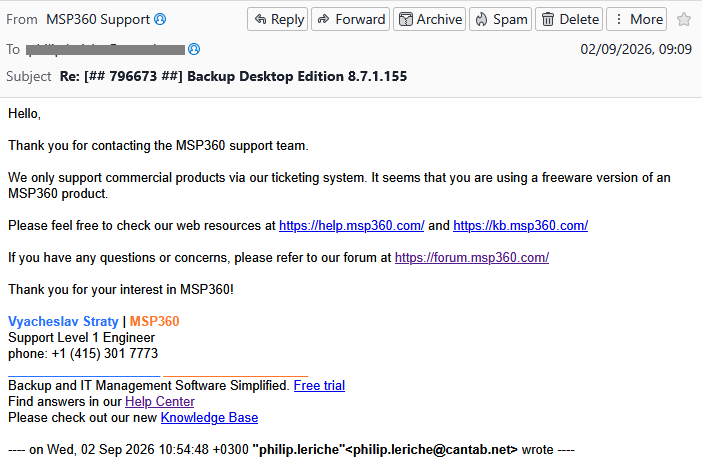
I did but was told support was not available for the free product.
Philip, our support engineer’s findings indicate that the issue with your previously encrypted files is related to incomplete encryption support in earlier Free edition builds.
According to Support, this should work correctly starting with version 8.7.1.178. Please update to the latest version using Check for updates, then run the backup plan and allow it to finish without interruption.
Please let us know whether the previously affected files back up successfully after the update.
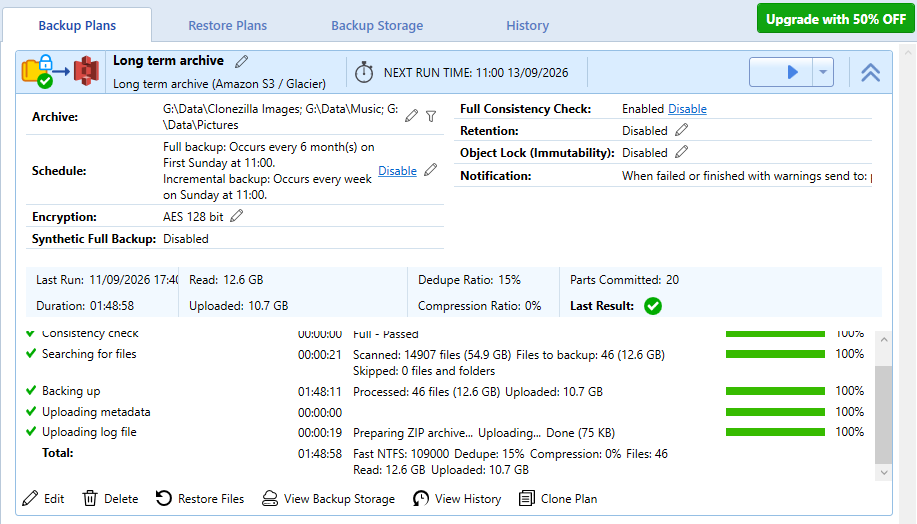
This now appears to have worked, run manually. I’ll check whether it runs on Sunday under it’s regular time schedule, but it certainly should. The 12.6 GB processed corresponds with the size of the Clonezilla folder I’d temporarily excluded to get the rest of the backup to work.
Very many thanks for this - Philip
1 Like